Why Old Code Still Works
A surprising amount of daily computing rests on programs first designed for machines with tiny memories and slow storage. COBOL was organized by the Conference on Data Systems Languages in 1959, its first specification appeared in 1960, and it reached a formal standard in 1968. Unix began at Bell Labs in 1969; a 1973 rewrite in C helped the operating system move between machines. Those dates do not mean that every active system runs an untouched 1960s build. They show how design decisions can outlive the hardware that introduced them.
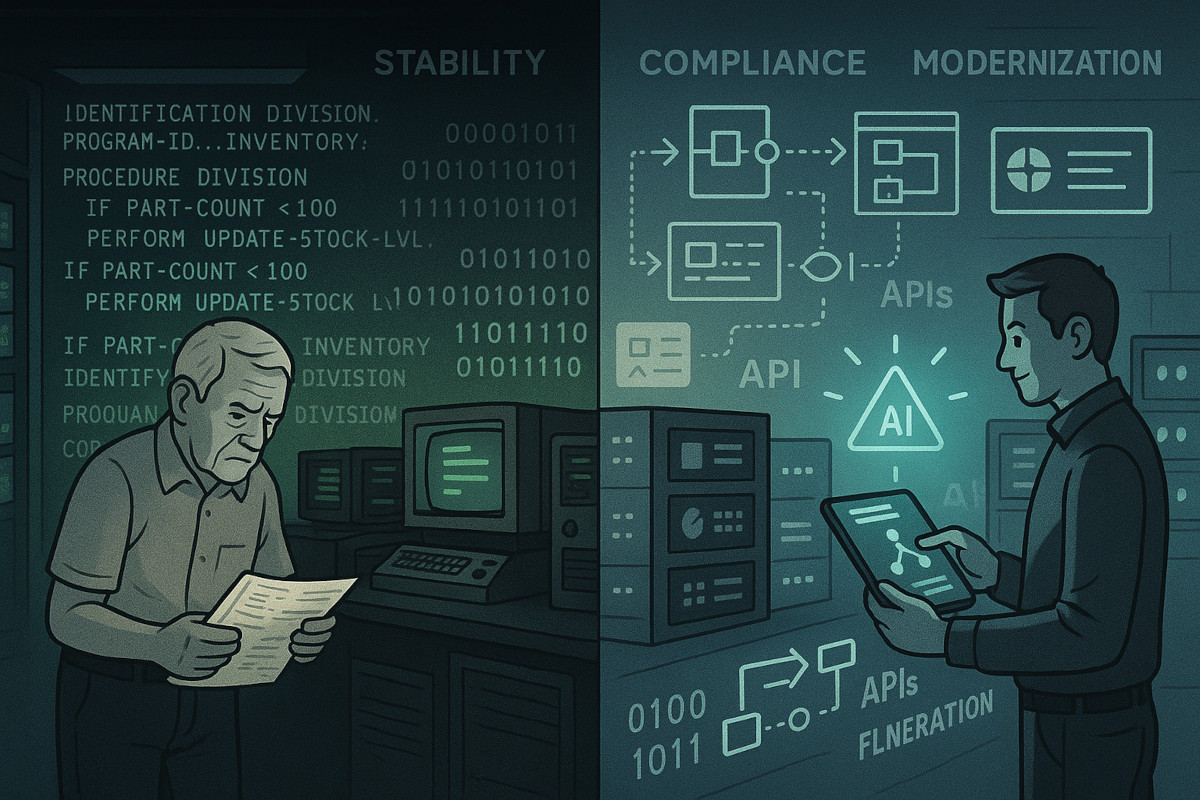
The quiet survivors usually sit behind a newer screen or service. A bank app may send a request to a transaction processor, a government portal may read records from a mainframe, and a research tool may call a Fortran calculation from a newer interface. The visible layer changes while the rules for balances, eligibility, files, or equations remain in the older core.
Longevity often reflects a good fit rather than neglect. COBOL’s decimal arithmetic suits currency records, batch jobs suit large scheduled files, and Unix’s small commands connect through text streams. A routine that has processed millions of similar cases is also a repository of business decisions, including exceptions that may never appear in a requirements document. Replacing the source code means rediscovering those decisions.
A 2016 U.S. Government Accountability Office review found that agencies reported systems 30 years or older using obsolete hardware or software. Its examples included Veterans Affairs systems written in COBOL and running on IBM mainframes, a Social Security investment containing 162 subsystems, and a defense system using an IBM Series/1 computer and 8-inch floppy disks. These examples are historical evidence, not a claim that every agency still uses the same arrangement.
The more useful question is not “How old is the language?” It is “What behavior does this program control, and what would break if it stopped?” Age is a clue for investigation. It is not, by itself, a failure report.
Where Legacy Code Hurts
Old systems become risky when their surrounding knowledge thins out. A program may work reliably while only two people understand its file layouts, job schedule, or unusual date rule. A retired compiler, an undocumented data conversion, or a missing test environment can turn a small change into a release gamble.
Interfaces create another fault line. A mainframe may store a signed numeric field in a format that a web service misreads. A Unix script may depend on a command option that differs between operating systems. A Fortran model may assume a particular array order or floating-point behavior. The defect can appear far from the line that caused it.
Replacement projects face a different problem: the old system contains more than its source. It includes operator habits, data corrections, reports, batch timing, permissions, and years of exceptions. A new application can look cleaner yet calculate a benefit or settlement differently. A successful migration therefore needs evidence from real inputs and outputs, not just a code translation.
Security adds pressure without making age a complete diagnosis. A vintage program may run on a well-controlled network with narrow access, while a new service may expose a wider attack surface. Conversely, a system with unpatched components and weak credentials deserves urgent attention even if its code is modern. Risk depends on exposure, maintenance, recovery plans, and the consequences of a bad result.
Keep The Core, Improve Edges
Map The Real Dependencies
Start with an inventory that follows data, not department names. Record the program, compiler or runtime, input files, output files, upstream callers, downstream reports, owners, schedules, and recovery steps. Interview operators who run the 02:00 batch and analysts who repair its exceptions. Compare their accounts with job definitions and logs.
Draw the path of one representative transaction from arrival to final record. Mark every conversion, queue, manual approval, and copy of the data. A dependency map often reveals that a supposedly isolated COBOL routine feeds six reports and two reconciliation jobs. That discovery changes the safest work unit from “rewrite the routine” to “wrap and observe the workflow.”
Characterize Before Changing
Build a test set from ordinary cases, boundary values, rejected records, and historical exceptions. Save the old program’s outputs as a behavioral reference, with sensitive data masked. Run the same cases through a proposed change and compare fields, rounding, ordering, error codes, and timing. A result that looks right on screen can still differ in a cents column or a nightly total.
Characterization tests are useful even when source code is unavailable. A team can record inputs and outputs at an interface, then add tests for each discovered rule. For a scientific routine, compare known datasets and tolerances rather than demanding identical last digits across compilers. The test harness becomes a shared explanation of what the system does.
Wrap The Stable Parts
An adapter can expose a narrow service around a proven core. It translates modern requests into the old record format, validates fields at the boundary, calls the existing routine, and converts the response back. The boundary should log a correlation ID, validation result, elapsed time, and error class without copying confidential payloads into general logs.
This pattern reduces the number of components that need simultaneous change. It also creates a place for rate limits, authentication, monitoring, and contract tests. The wrapper is not a disguise for unlimited growth: set an owner, document its mapping, and review it when the core changes. IBM’s z/OS ecosystem, for example, supports ways to connect mainframe workloads with newer services, but the exact connector and controls depend on the installation.
Retire In Small Slices
Choose a low-risk function with a clear owner and a measurable comparison. Run the old and new paths in parallel for a defined sample, reconcile their outputs, and investigate every difference. Start with a report or lookup before moving a calculation that changes money, benefits, safety, or legal status.
Set a rollback point before the first live cutover. Define who can switch traffic back, how long the old path remains available, and which records need replay. A slice may take weeks because scheduling, data retention, and approvals matter as much as code. The reward is evidence: each retired dependency narrows the unknown area without placing the whole service on one release.
Two Practical Scenarios
Consider an anonymized regional benefits office with a COBOL rules engine and a new web form. Staff initially proposed replacing the engine because its source used unfamiliar copybooks. An inventory showed that the engine’s stable output fed payment calculation, audit reports, and a fraud review queue. The office instead captured masked test cases, added an adapter, and moved field validation to the form. The old calculation stayed in service while a separate team tested one eligibility rule at a time.
That choice did not make the legacy system harmless. The office still needed compiler access, operator training, backup drills, and a plan for a missed batch. It did, however, separate immediate control improvements from a long migration, making failures easier to locate.
Now consider an anonymized university research group using a Fortran climate routine inside a Python workflow. The group found that a compiler update changed small numerical results because a setting affected floating-point evaluation. Instead of declaring the model wrong, researchers recorded acceptable tolerances, reran reference datasets, and pinned the build environment. They then refactored one module with unit tests while retaining the original executable for comparison.
The lesson in both cases is modest: first make behavior visible, then change one boundary. A new name or interface does not erase an old dependency.
A Safe Review Checklist
Use this checklist before approving a rewrite, wrapper, compiler change, or retirement plan:
- Purpose: Name the decision, calculation, or record the program controls.
- Evidence: Collect source, build files, schedules, sample inputs, outputs, logs, and recovery notes.
- Ownership: Assign a business owner and a technical maintainer, including an escalation path.
- Behavior: Test normal cases, limits, rejected data, dates, rounding, retries, and duplicate submissions.
- Exposure: Review network reachability, credentials, patch duties, operator access, and audit trails.
- Migration: Select a small slice, define parallel-run measures, and document the rollback trigger.
- Exit: Confirm retention, archival access, monitoring, and a final backup before shutdown.
A checklist cannot decide the future of a system. It prevents a team from treating a compiler upgrade, an interface change, and a full replacement as the same kind of work. Each has a different failure mode and a different proof requirement.
Common Maintenance Errors
The first error is confusing old syntax with unsafe operation. A 1960s language can sit behind strong access controls and tested release procedures; a newer service can lack both. Assess the full chain, including storage, network paths, operators, and recovery.
The second is translating code before recording behavior. Automated conversion may reproduce statements while missing scheduler rules, data encodings, decimal precision, or manual steps. Capture representative outputs first, then use the differences to guide review.
The third is removing the only person who understands a job before recording their knowledge. Pair that person with another maintainer, screen-record a normal run where policy permits, and turn explanations into diagrams and tests. Documentation has more use when someone can execute it.
The fourth is treating an adapter as a permanent dumping ground. A boundary with no owner gathers special cases until it becomes a second legacy core. Set versioned contracts, reject malformed input early, and review usage before adding another exception.
The fifth is ignoring recovery because normal runs look stable. A quiet overnight batch can still fail through a full disk, expired credential, damaged file, or unavailable operator. Practice restore and replay with a nonproduction copy, and record the time and data gaps that remain.
FAQ
What counts as ancient software?
There is no universal age threshold. In practice, a system is legacy when its age, dependencies, scarce skills, or unsupported environment make change and recovery harder than the surrounding service.
Why is COBOL still used?
COBOL remains suited to high-volume business records, decimal arithmetic, batch processing, and long-running mainframe applications whose rules have accumulated through years of operation.
Is old code automatically insecure?
No. Exposure, access control, patching, monitoring, and recovery determine much of the risk; old code still deserves review when its compiler, host, libraries, or interfaces lack support.
Should a company rewrite every legacy system?
No. Compare business impact, failure risk, maintenance cost, available skills, and migration evidence. A controlled wrapper or partial replacement may be safer than a single large rewrite.
How can a reader spot legacy software?
Look for long batch windows, fixed-width files, mainframe or Unix dependencies, manual operator steps, scarce documentation, and a service that exposes a newer screen over an older core.
Author's Insight
Long-lived software survives because it encodes working rules, not because age grants it special merit. The strongest maintenance decisions separate observable behavior from the language or machine that carries it. A wrapper, test archive, or recovery drill may reduce risk before any rewrite begins. The hard boundary is often organizational: someone must own the old system while a second team learns enough to change it safely.
Key Takeaways
COBOL, Unix, C, and Fortran belong to different traditions, yet each shows how an old design can remain useful inside a newer service. Date alone is a poor retirement plan. Map dependencies, capture real behavior, protect exposed interfaces, and move one low-risk slice at a time. Keep a tested fallback for work that affects money, records, research results, or public services. Modern screens hide old foundations; sound review makes those foundations visible.